Keep known scam sites
out of your day.
Enable optional website protection to check domain names and block known harmful destinations while using your existing browser.
Explore protection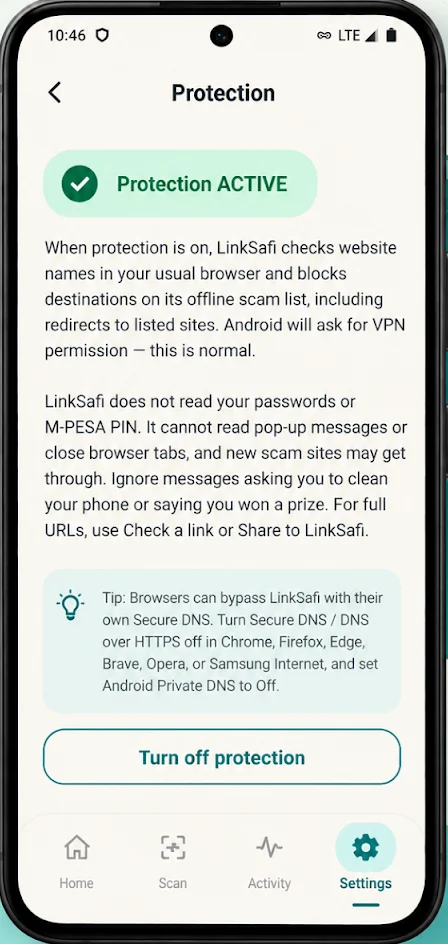
Now on Google Play
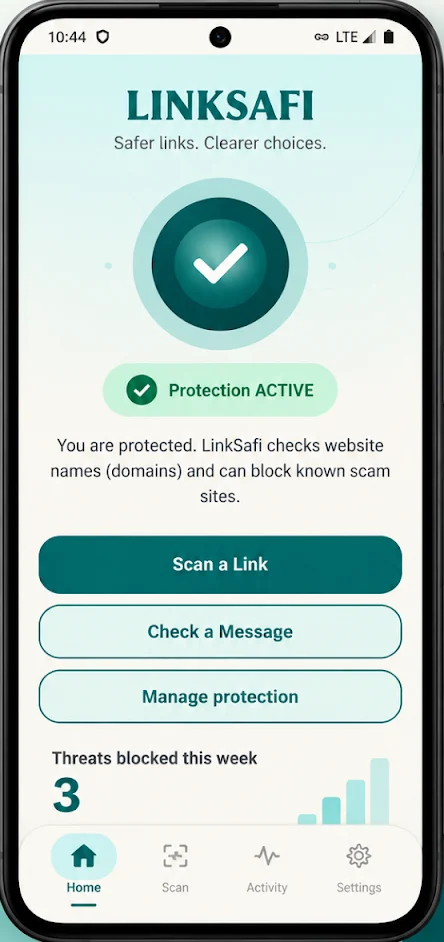
Scam links can look real. LinkSafi helps you check suspicious links, spot fake websites, and understand threats before you trust them.
A little more clarity. Right in your pocket.
Made for the moments that make you pause.
A message from a stranger.A deal that feels too good.A link you don’t recognise.Everyday online safety
Simple tools to help you recognise suspicious links and make safer decisions online.
Enable optional website protection to check domain names and block known harmful destinations while using your existing browser.
Explore protection
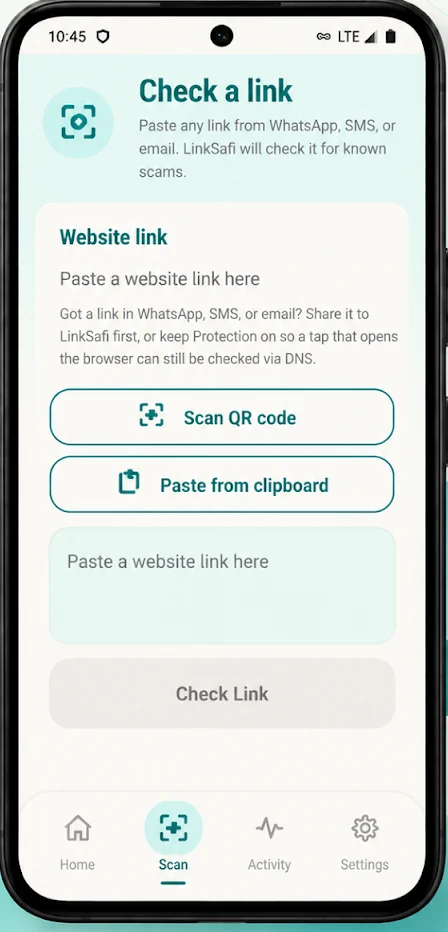
Paste or share a link from WhatsApp, SMS, email, or anywhere else. Get a clearer picture before trusting it.
See link checksUse the app’s QR scanner to inspect a link before you trust where it leads.
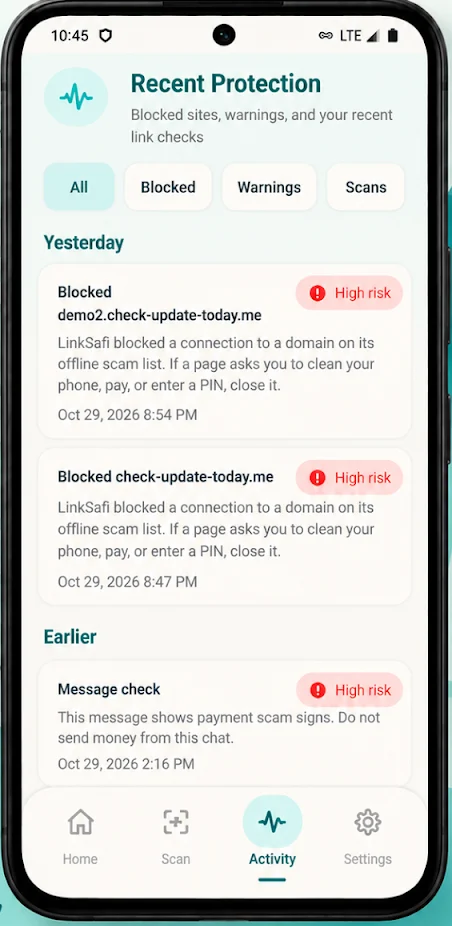
Review blocked threats, warnings, and recent link checks in one place.
Understand the risk without needing to be a security expert.
A safer everyday browser
LinkSafi helps identify known scam destinations and gives you clearer warnings when something looks suspicious.
Protection cannot detect every scam. Private DNS, browser Secure DNS, and some network settings may bypass filtering.
Recognise the risk.
Know what happened.
How it works
A few moments to set up. More clarity for your next tap.
Get the Android app on Google Play and follow the setup instructions. Core protection and manual link checks don’t require an account.
Find it on Google PlayRead the in-app explanation, then enable optional website protection. Android will ask for VPN permission to filter DNS requests.
Keep using your browser, check links you’re unsure about, and review warnings when you need a clearer picture.
Pause. Paste. Check.
A convincing message can hide a suspicious destination. Share a link to LinkSafi or paste it into the app to check for known scams and signs of impersonation.
Every result is guidance. A low-risk result cannot guarantee a website is safe.
Try a link check in the appPrivacy, by choice
You decide what to check and when to enable protection. Here’s what that means in practice.
Your next tap, a little safer
Get LinkSafi for Android and take the first step toward safer links and clearer choices.
Get it on Google PlayAvailable now for Android.
This website also offers published APK releases. The version here may differ from Google Play.
Download APKOpen the downloaded APK and follow Android’s prompts. You may need to allow installation from your browser or download source.
SHA-256 b058cdf15b42b96b2483e570fb418a31448b1bc8cf762adddcfec01a0b7845b7
Compare this checksum with the downloaded file before installing.
This is the first public beta. Check a link before you trust it.
Paste or share a link and get a plain recommendation: allow, be careful, or avoid.
See a warning when a site looks like it is imitating a known organisation.
Share a message you choose to check. LinkSafi does not read your chats on its own.
Report a scam so the next person can be warned.
Ask a trusted contact for a second look when a result looks serious.
LinkSafi is live on Google Play. Use the Google Play buttons on this page to install the official Android app. Published APKs are also available in the release details when a direct download is offered.
LinkSafi is free to download on Google Play. Core protection and manual link checks are available without an account. Sign in to manage personal safe-link exceptions.
Optional website protection uses Android’s VpnService to filter DNS requests and check domain names. It is not a general-purpose privacy VPN, does not hide your IP address, and does not decrypt HTTPS traffic. Some domains are sent to the backend for reputation checks. You choose whether to enable protection.
Yes. Paste or share a suspicious link or message into LinkSafi. Messages you submit are sent to the service for analysis. It does not read your conversations automatically. Remove secrets and unnecessary personal information before submitting text.
Protection checks website domain names through DNS filtering. Browser Secure DNS, Android Private DNS, cached connections, and some other network settings can bypass it. Follow the app’s setup guidance. You can still paste or share a link for a manual check.
No. LinkSafi reports what it can assess, and it cannot detect every scam. A low-risk result is not a promise that a website is safe. Stay cautious if someone asks for passwords, PINs, money, or urgent action.
Apps installed from Google Play follow your Google Play auto-update settings. If you install a direct APK, choose when to download and install a newer release. LinkSafi will not silently install an APK.
Open the release details and compare the published SHA-256 checksum with the file you downloaded. Only install from the official LinkSafi website or its official Google Play listing.